
A separate business identity
Customers talk to your business without seeing your personal profile or number.
BharatChat for Business
A catalogue, bookings and bills, connected to your customer chats. Run your business with its own identity while your personal profile stays private.
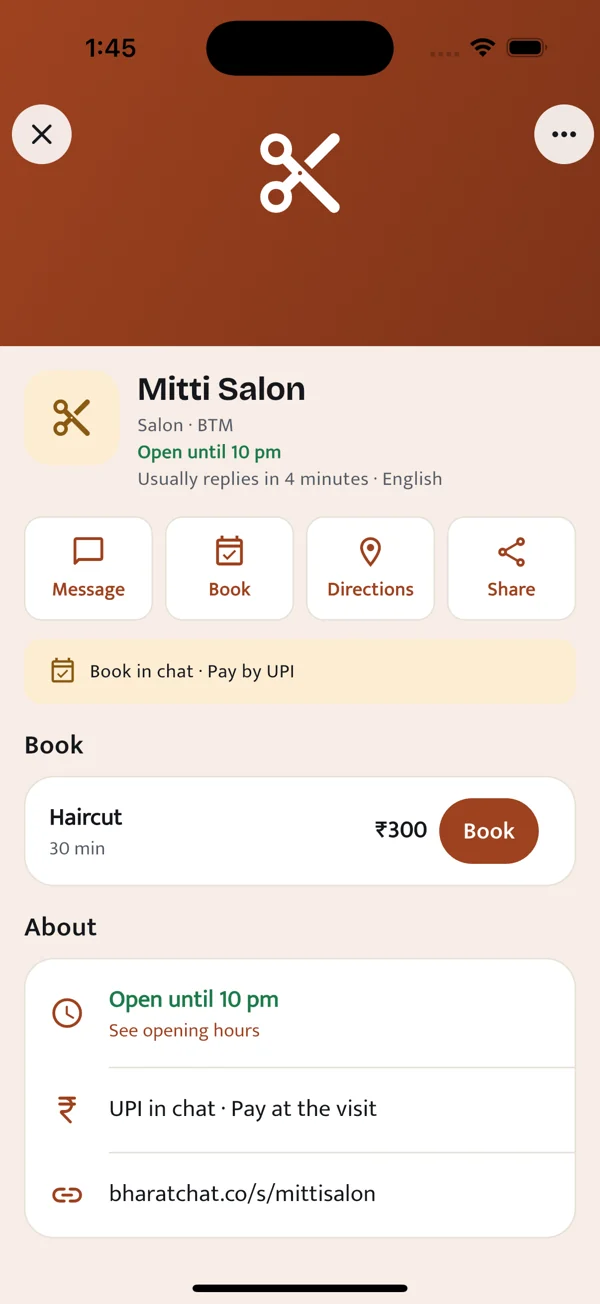
Customers talk to your business without seeing your personal profile or number.
Send a bill, let the customer pay with UPI and confirm receipt after checking the payment.
Share your business page so customers can see what you offer and open it in BharatChat.
See the flow
Explore a sample, step by step. Set up and manage your own business in the BharatChat app.
Demo only. No booking is made and no payment is collected.
Cotton tote bag × 1
A sample item from the catalogue
Cotton tote bag × 1
₹450
In the app, pay using the shop’s UPI QR in your UPI app. Share your payment reference; the shop confirms receipt after checking its account.
Shop confirmation → Receipt in chat
This is a sample of the receipt step after the shop confirms payment. No money has moved.
Get BharatChat to set up your business →BharatChat for Business
Show what you offer, take bookings and send bills from a separate business identity. Keep your personal profile private.
Products, customer chats and UPI bills.
GymsMemberships, class bookings and check-ins.
SalonsServices, available slots and customer bookings.
Available on Android and iPhone. Create your account with your phone number.
To set up a business: open the Business tab in the app and create your profile.
Already have the app? Open BharatChat Web and scan the QR code from You → Linked devices.